METRC
METRC Receiving
Synchronize METRC packages, review imported inventory, resolve receiving issues, and connect packages to PLNTRK products.
4 steps
4 screenshots
/fournorthcannabis/managestore/metrc/inventory
Workflow
How to use this page
-
1
Synchronize METRC packages, review imported inventory, resolve receiving issues, and connect packages to PLNTRK products.
-
2
Use the form fields to enter or update information, then save your changes.
-
3
Review the rows to compare records, then use the available actions to open, edit, or manage an item.
-
4
Common actions on this page include: Sync packages, Search, Receive into selected product, Create new product, Defer.
Screenshots
Managed visual references
Screenshots are shown as compact previews. Use Open full size when you need the original image.
desktop 1 image
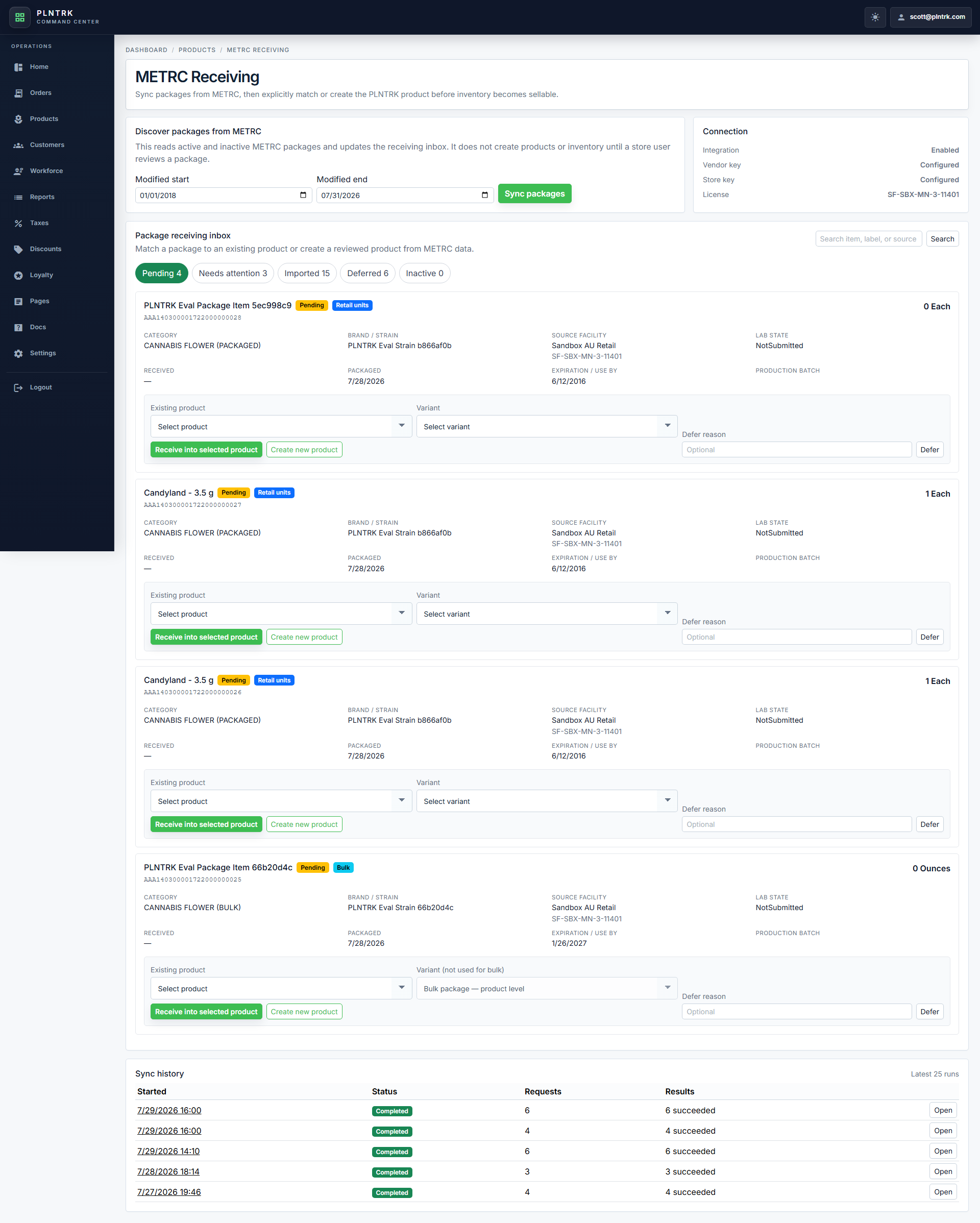
METRC Inventory - desktop
light theme · 1920 x 1080
Open full size
tablet portrait 1 image
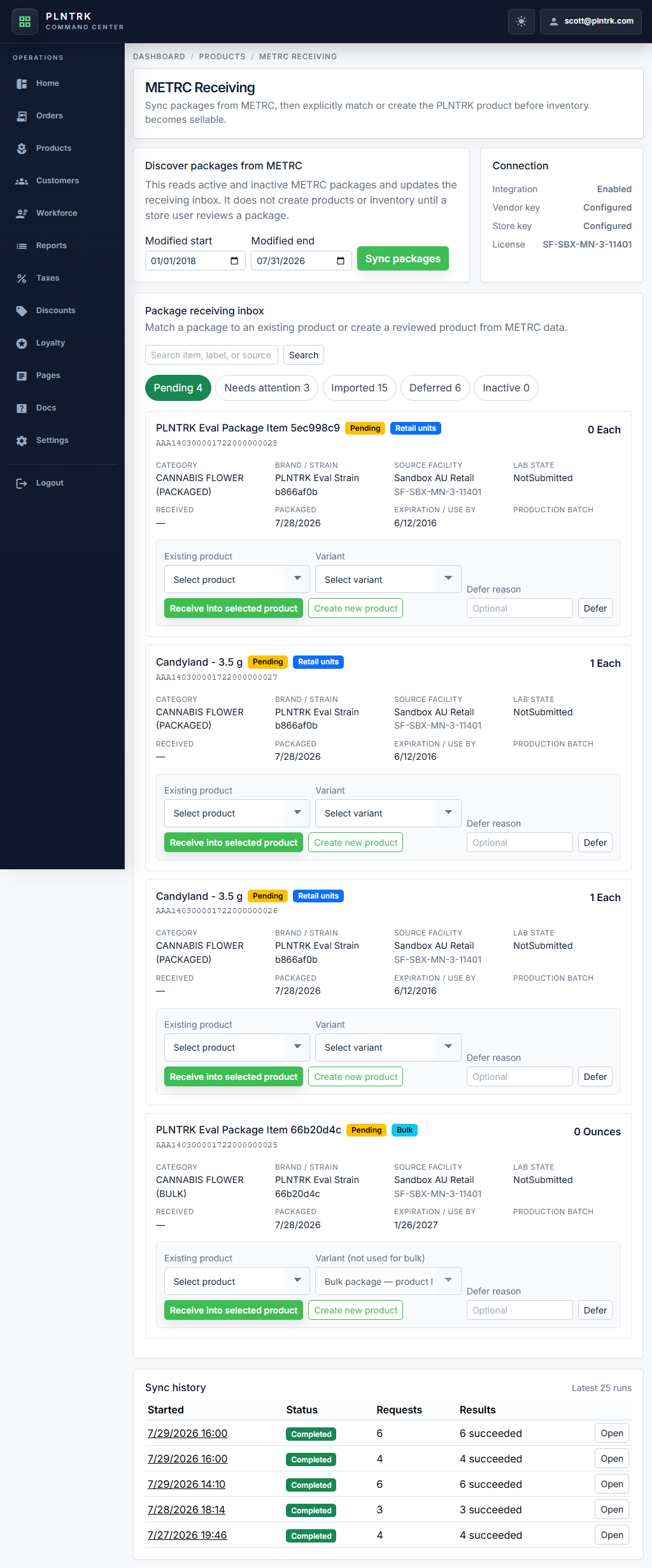
METRC Inventory - tablet-portrait
light theme · 1024 x 1366
Open full size
tablet landscape 1 image
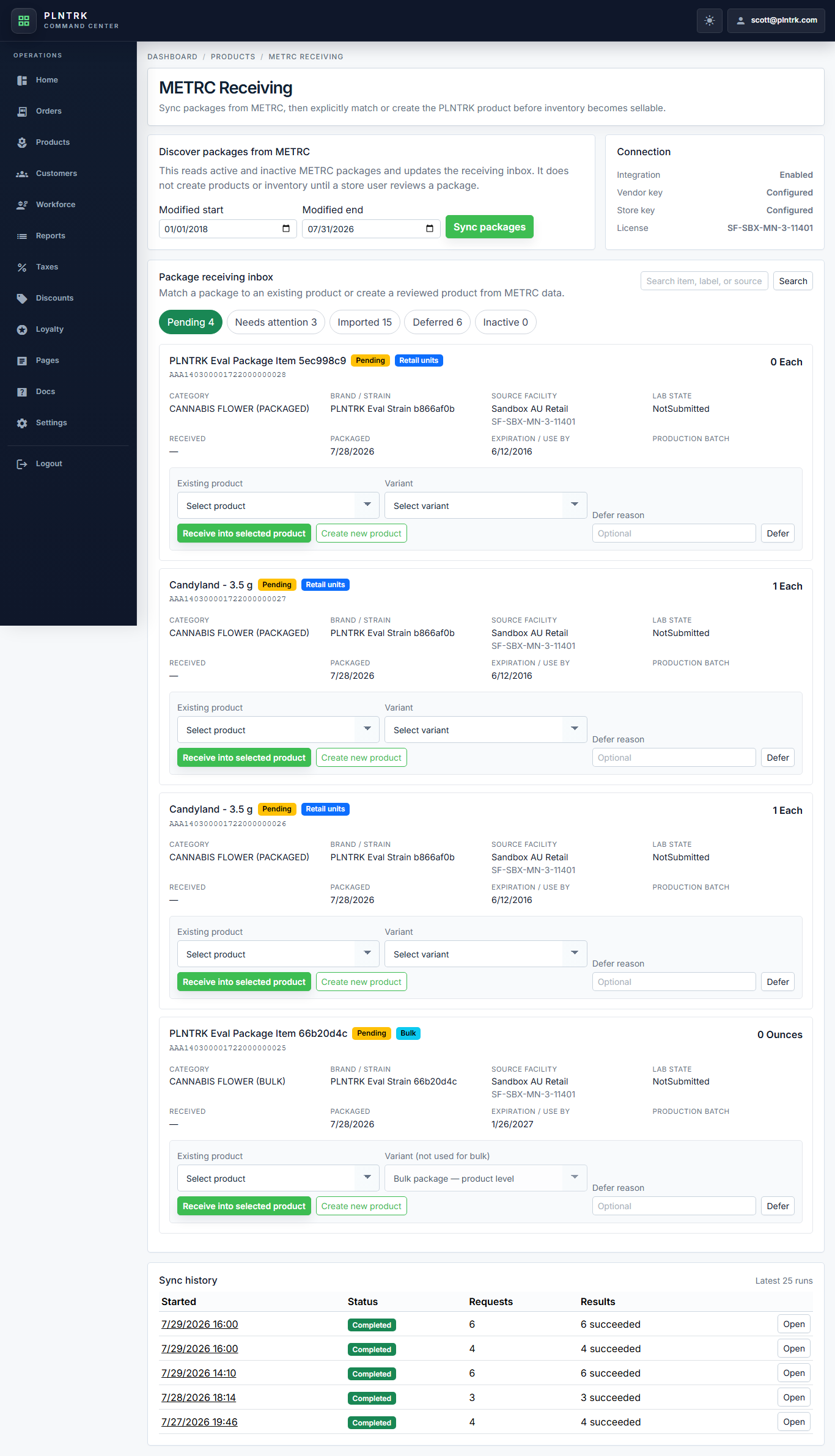
METRC Inventory - tablet-landscape
light theme · 1366 x 1024
Open full size
mobile 1 image

METRC Inventory - mobile
light theme · 430 x 932
Open full size