Manage Store
Store Settings
Manage store profile, branding, contact information, storefront configuration, payment options, and integrations.
3 steps
4 screenshots
/fournorthcannabis/managestore/settings
Workflow
How to use this page
-
1
METRC access is enabled by PLNTRK when this module is provisioned for the store.
-
2
Use the form fields to enter or update information, then save your changes.
-
3
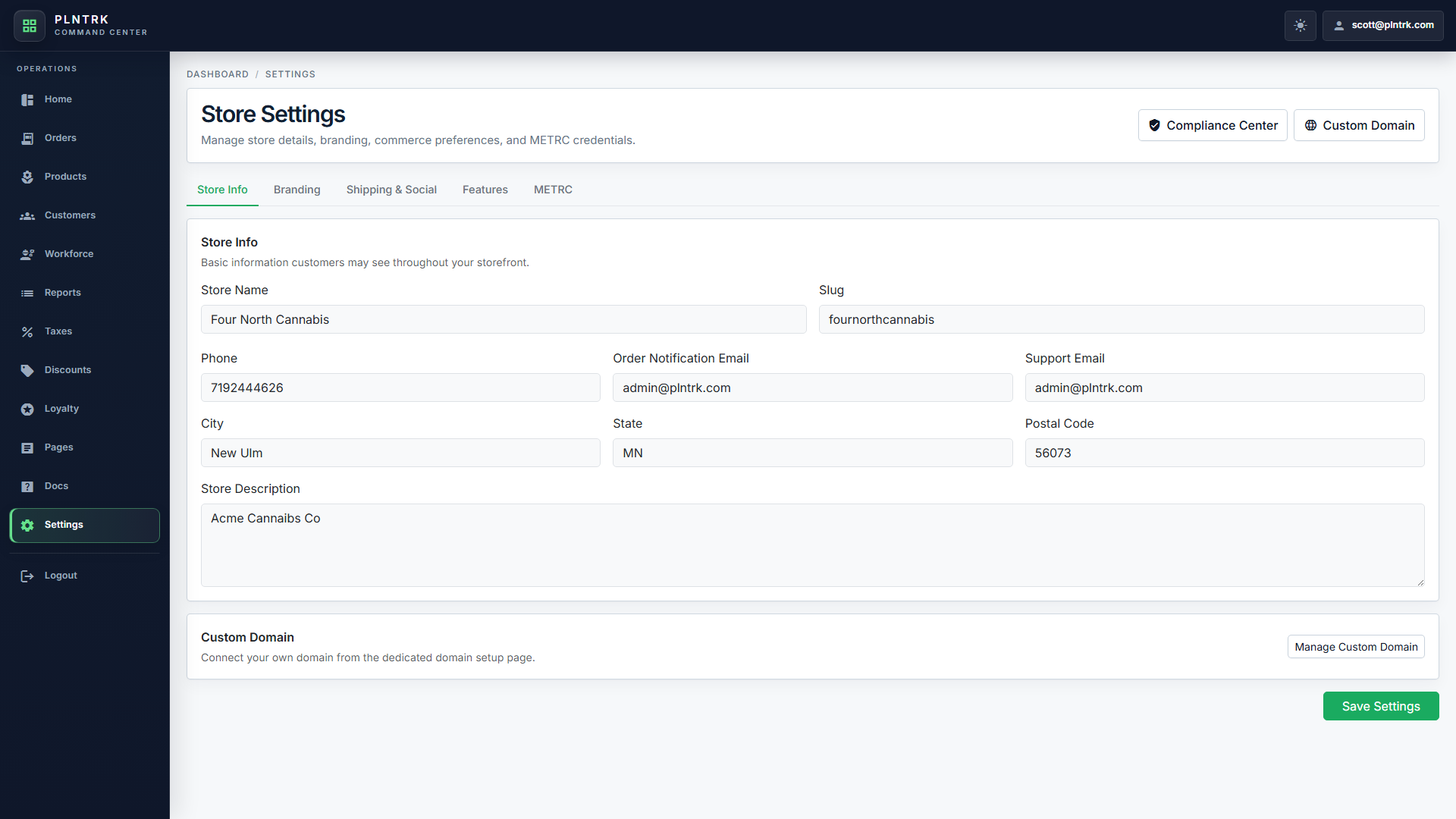
Common actions on this page include: verified_user Compliance Center, language Custom Domain, Manage Custom Domain, Save Settings.
Screenshots
Managed visual references
Screenshots are shown as compact previews. Use Open full size when you need the original image.
desktop 1 image
Store Settings - desktop
light theme · 1920 x 1080
Open full size
tablet portrait 1 image
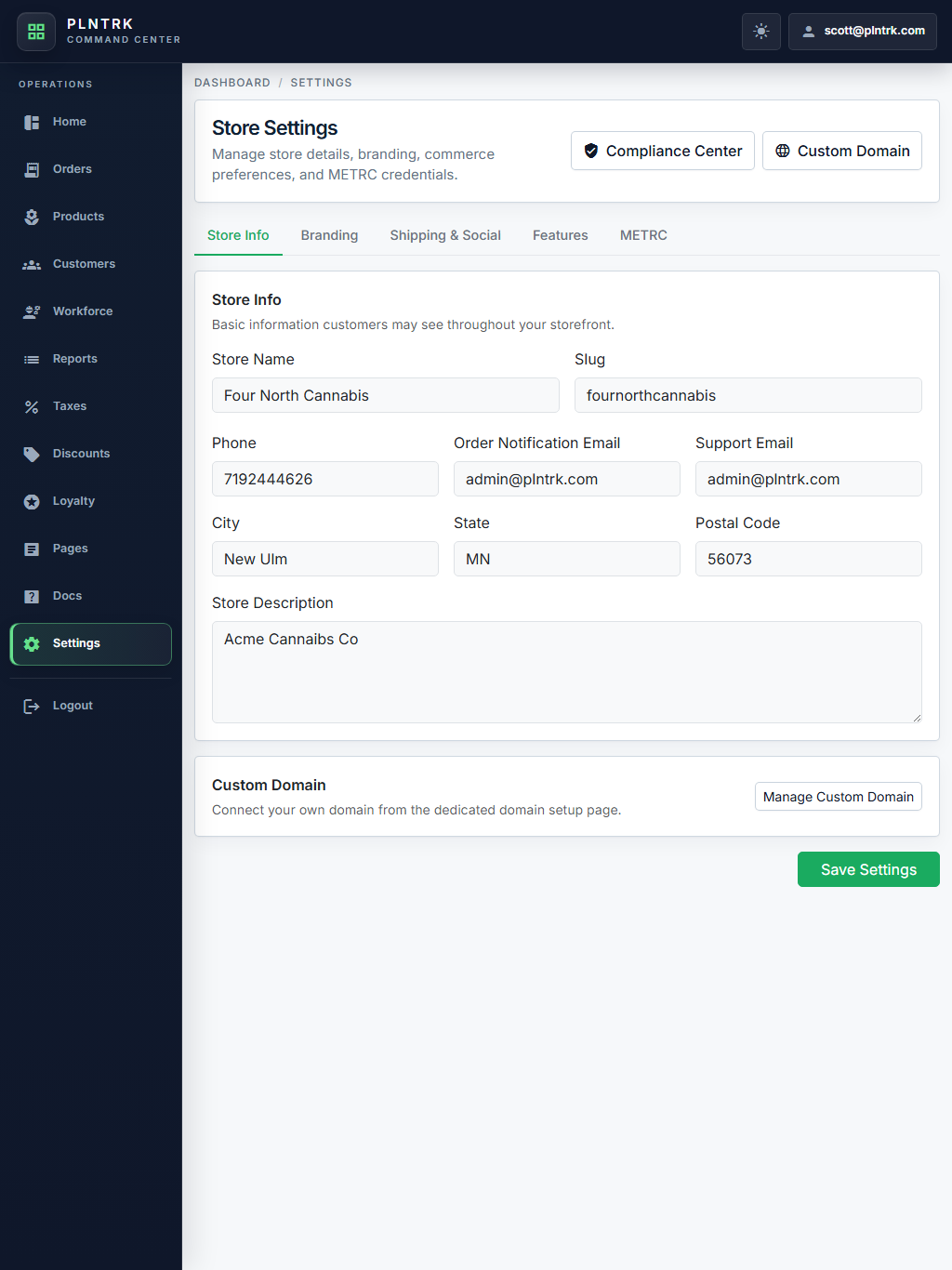
Store Settings - tablet-portrait
light theme · 1024 x 1366
Open full size
tablet landscape 1 image
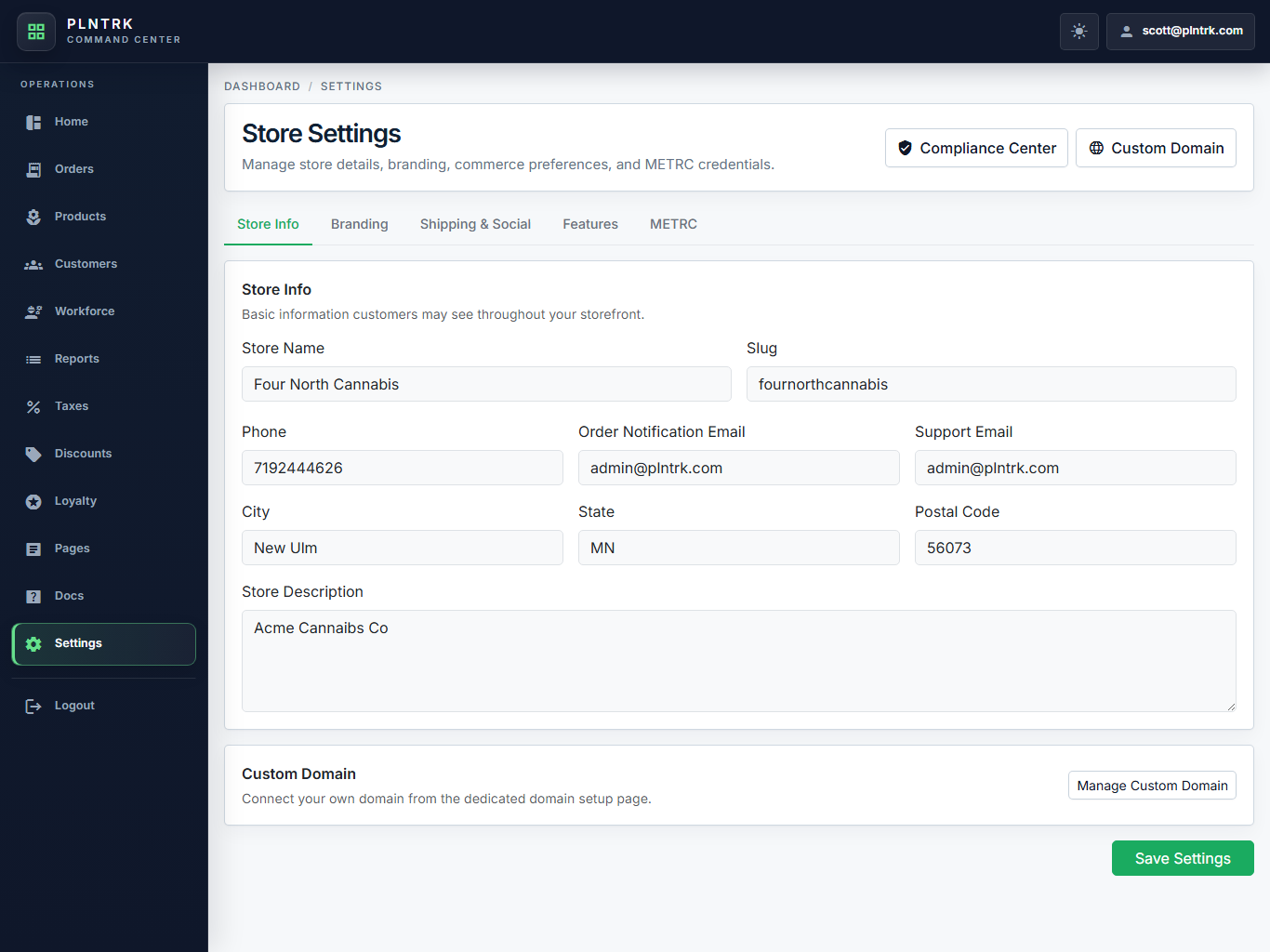
Store Settings - tablet-landscape
light theme · 1366 x 1024
Open full size
mobile 1 image
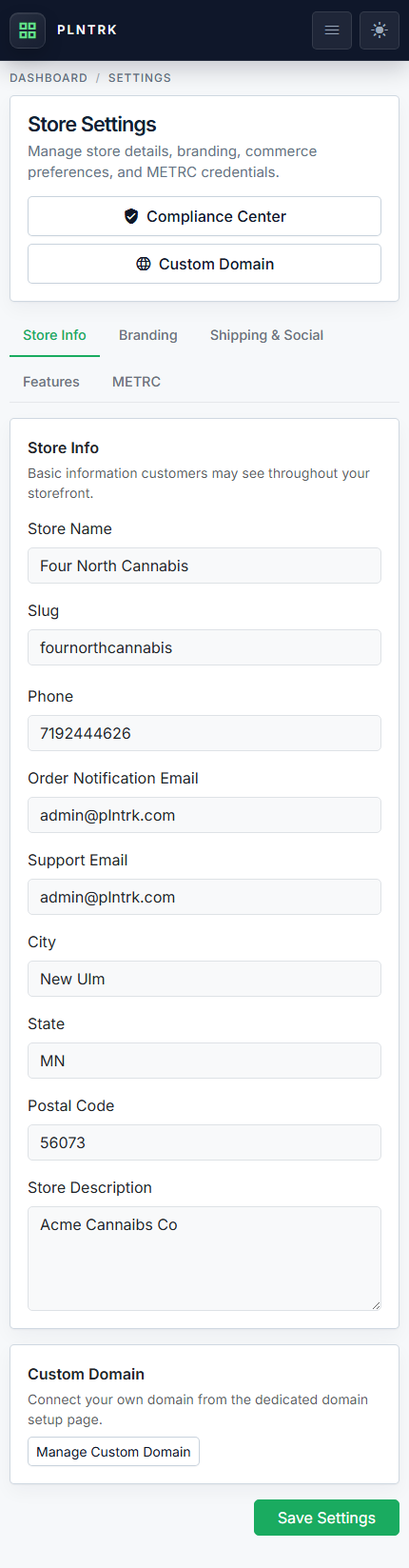
Store Settings - mobile
light theme · 430 x 932
Open full size